GUIDES
What is a PWA? A plain-language guide for iPhone users
What a progressive web app is, how to install one on an iPhone from Safari, what it can and cannot do, and how it differs from a bookmark or an App Store app.
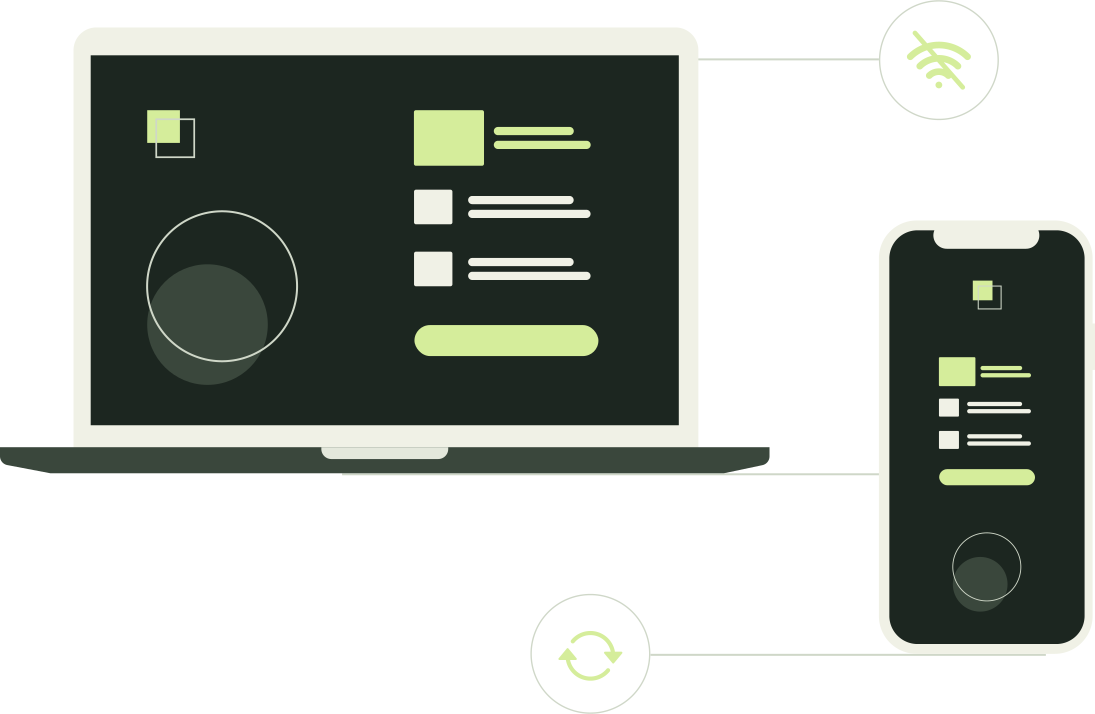
A PWA, short for progressive web app, is a website built so that a browser can install it and run it much like an app. Once installed it has its own icon on your home screen, opens in its own window instead of a Safari tab, can keep some things working when you are offline and, on an iPhone, can send notifications if you allow it. Nothing is downloaded from the App Store. It is still the website, shown by the browser's engine, which is why it behaves like an app in some ways and like a website in others. This guide explains the term, how you get one onto an iPhone, and what it can and cannot do.
What makes a website a PWA?
Two small additions to an ordinary website do most of the work. You never see either directly, but between them they explain most of how an installed web app behaves.
A manifest. A short file that tells the browser the app's name, its icon, the colors to show around it and the page it should start on. MDN, Mozilla's web documentation, describes the manifest as the information a browser needs to install a web app, and says every PWA must have one. When a site you add to the home screen arrives with a proper icon and a sensible name rather than a tiny picture of the page, that is the manifest at work.
A service worker. A small script the browser runs in the background for that one site. It can keep copies of pages and files on your phone so that parts of the app open without a connection, and it is the piece that receives push notifications. MDN notes that a PWA does not strictly need one to be installable, but most have one so that at least something works offline.
Everything else is the website you already know. There is no separate app version of the code: the same address serves the page in a Safari tab and inside the installed app. The word progressive simply means the site works as an ordinary page everywhere and adds these extras wherever the browser supports them.
How do you get a PWA on an iPhone?
Apple's own guide describes the flow in Safari: open the site, tap the Share button, scroll the list of options and choose Add to Home Screen, check that Open as Web App is turned on, then tap Add. An icon appears on your home screen, and Apple says that tapping it opens the website "just like an app". If Add to Home Screen is missing from the list, the guide explains how to add it back through Edit Actions at the bottom of the same menu.
Menus change between iOS versions, so if what you see doesn't match, Add a website to your iPhone home screen: setup and fixes works through the common differences and what to do about them.
There is no App Store step, no review and nothing to download in advance. You can add almost any website this way; a site built as a PWA is simply the one designed to behave like an app once it opens.
What can a PWA do on an iPhone, and what can't it?
The honest picture is mixed. The last column says who documents each point; the sources are listed at the end.
| Ability | Home-screen web app on an iPhone | Documented by |
|---|---|---|
| Its own icon and window | Yes. It opens in its own window, separate from your Safari tabs, and you quit it as you would any app. | Apple |
| Notifications | Yes, for home-screen web apps since iOS 16.4. The site must support web push and ask you after a tap, and you must allow it. The same site in a Safari tab cannot. | WebKit |
| Working offline | Partly. Only what the site's service worker has saved on your phone opens without a connection; a site with no service worker needs one for everything. | MDN |
| Running free of the browser | No. It is still a web page run by the browser's engine, so the browser's rules on storage, permissions and privacy apply to it. | WebKit |
| App Store review | No. It comes straight from the website; nothing is downloaded from the App Store and there is no listing to check. | Apple |
| Everything a native app can do | No. A web app can use only what the browser offers to websites, a smaller set than an App Store app can ask for. | MDN |
| Keeping its data for good | No. WebKit may delete a site's stored data when storage runs short or the site goes unused for a long time. A site can ask for persistent storage, and WebKit says being installed on the home screen counts in its favor. | WebKit |
The pattern to remember: a PWA is a website with app manners. It borrows the icon, the window and the notifications. It does not gain a native app's reach into the phone, and what it stores on your phone stays there only as long as the browser lets it.
PWA, bookmark or App Store app: what's the difference?
Three common ways keep a service one tap away on an iPhone, and they behave differently in ways that matter day to day.
| Safari bookmark | Home-screen web app | App Store app | |
|---|---|---|---|
| Where it lives | In Safari's bookmarks or favorites | As an icon on your home screen | As an icon on your home screen |
| Where it opens | In a Safari tab, next to your other tabs | In its own window, without Safari's address bar | In its own window |
| Its logins and data | Shared with everything else in Safari | Its own, separate from Safari once installed | Its own |
| Notifications | No | Yes, if the site supports web push and you allow it | Yes, if you allow it |
| Where it comes from | The website | The website; nothing from the App Store | The App Store, after Apple's review |
| How it updates | It is always the live site | The live site, plus whatever its service worker has saved | Through the App Store |
If you only want quick access, a bookmark is enough. If you want the site to feel like an app and keep a login of its own, install it. If you need something only a native app can do, you need the App Store version, if the service has one. The middle column hides most of the surprises, and Home-screen web app vs Safari tab: cookies, logins and storage goes through them one by one.
Why does this matter for privacy?
The detail most people miss is that an installed web app and Safari are two separate places as far as the website's data is concerned. WebKit's notes on Safari 17.2 explain what happens: when you add a site to the home screen, its cookies, including any login state kept in them, are copied into the new web app once, and after that no other website data is shared between the two. A login or logout in one does not carry over to the other, and whatever the site saves on your phone, from drafts to downloaded files, sits in that app's own store rather than in Safari's; Home-screen web app vs Safari tab works through the consequences.
What separation is not is a lock. Anyone who can unlock your phone and tap the icon gets whatever the site shows, and if the site keeps you signed in, they are signed in too. Nothing about being a PWA changes that. Can you password-protect a website on your iPhone? walks through the options, from Apple's built-in controls to a separate password in front of the app.
One more consequence: separate storage is still browser storage. It is not backed up anywhere unless the site itself does that, and WebKit's storage policy allows it to be evicted. Treat anything a web app keeps only on your phone as convenient rather than safe.
Where does PWA Lock fit in?
We make PWA Lock, so read this section as the makers' view. PWA Lock gives a web app a locked copy at its own address, and that locked address is itself a small PWA: its manifest names the installed icon after your app and uses the cover's icon, and its service worker saves the cover so that the Calculator, 2048 or whichever cover you chose opens and works even when you are offline. Unlocking always needs a connection, because the password check and the pages behind the lock are fetched live rather than saved for offline use. Set up PWA Lock on your iPhone: the complete guide has the steps.
Frequently asked questions
Is a PWA the same thing as a home-screen web app?
On an iPhone, in everyday use, yes. PWA is the developers' term for a website built to be installable; Apple's guide simply calls the result a web app once it is on your home screen. You can add almost any site to the home screen, but a site built as a PWA, with a manifest and usually a service worker, is the one designed to behave like an app once it opens: its own name and icon, its own window, some offline ability.
Do I need the App Store to install a PWA?
No. A web app is added from Safari with Share and Add to Home Screen, exactly as Apple describes in its guide. Nothing is downloaded from the App Store, Apple has not reviewed it, and you remove it the way you remove any other home-screen icon.
Does a PWA work without an internet connection?
Only as far as the site has prepared for it. A service worker can save pages and files so that parts of the app open offline, but what gets saved is up to the site, and anything that needs the server, such as sending a message or loading new content, still needs a connection. A site with no service worker needs a connection for everything.
Can a web app on my iPhone send notifications?
Yes, for web apps added to the home screen, since iOS 16.4 according to WebKit. The site has to support web push and ask for permission in response to something you tap, and you have to allow it. The same site open in a Safari tab cannot send notifications. WebKit also notes that these notifications follow your Focus settings like any other app's.
Is it safe to add a website to my home screen?
It is as safe as visiting the website in Safari, because it is the website. A web app can only use what the browser allows a website to use, and it has to ask before sending notifications. What it cannot do is protect itself from someone holding your unlocked phone: if the site keeps you signed in, whoever taps the icon is signed in too.
Why did the installed app ask me to log in when Safari already had me logged in?
Because after installation the web app and Safari keep separate cookies and storage. WebKit copies the site's cookies once, at the moment you add it to the home screen, so a login that lived in cookies at that moment carries over; a login you did later in Safari does not, and the same is true in the other direction. Log in once inside the web app and it keeps its own session from then on.
Sources
TRY IT WITH YOUR OWN APP
Put a lock in front of the web app you just learned to install.
Starter locks 2 web apps for $5 a month, and every plan starts with a 14-day free trial: your card is saved at checkout and first charged when the trial ends; cancel before then and you pay nothing.
14 days free on every plan. Then Starter is $4 a month billed yearly ($48 a year), or $5 a month, for 2 locked apps. Your card is saved at checkout and first charged when the trial ends; cancel before then and you pay nothing.
KEEP READING
Related articles
Guides · 7 min read
Add a website to your iPhone home screen: setup and fixes
The Safari steps to add any website to your iPhone home screen as a web app, what changes once it is installed, and fixes for the usual problems.
Privacy · 7 min read
Home-screen web app vs Safari tab: cookies, logins and storage
Why a home-screen web app can be logged out or hold different files than Safari: what iOS copies at install, what stays separate, and what it means for privacy.
Guides · 7 min read
Can you password-protect a website on your iPhone?
Yes, in three ways: the site's login, Apple's Face ID lock or Private Browsing, or a separate lock in front of the site. Which fits depends on your worry.