Guides · 7 min read
Set up PWA Lock on your iPhone: the complete guide
Create a PWA Lock account, lock your first web app behind a cover and password, add it to your iPhone home screen, and know what to expect when you open it.
THE PWA LOCK BLOG
Plain-language guides to locking web apps on your iPhone home screen, keeping downloads out of Photos, and what a privacy tool can and cannot promise.
Written by the people who build PWA Lock. We say plainly what the product does not do. RSS feed.
The three articles most readers need first.
Guides · 7 min read
Create a PWA Lock account, lock your first web app behind a cover and password, add it to your iPhone home screen, and know what to expect when you open it.
Guides · 7 min read
Yes, in three ways: the site's login, Apple's Face ID lock or Private Browsing, or a separate lock in front of the site. Which fits depends on your worry.
Product · 7 min read
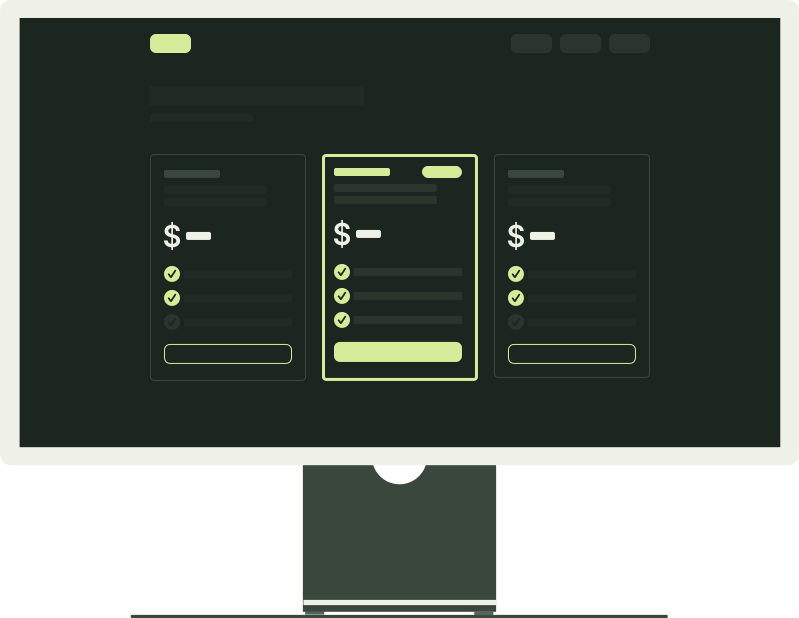
How to choose between PWA Lock's Starter, Personal and Pro plans: what differs, what is identical on all three, what a request is, and how billing works.
Step-by-step setup and how-to articles.
Guides · 7 min read
The Safari steps to add any website to your iPhone home screen as a web app, what changes once it is installed, and fixes for the usual problems.
Guides · 7 min read
Yes, in three ways: the site's login, Apple's Face ID lock or Private Browsing, or a separate lock in front of the site. Which fits depends on your worry.
Guides · 7 min read
Create a PWA Lock account, lock your first web app behind a cover and password, add it to your iPhone home screen, and know what to expect when you open it.
Guides · 7 min read
How to give a journal, a chat app and a forum each its own cover, lock password and icon in PWA Lock, which plan fits how many apps, and what can go wrong.
Guides · 7 min read
What a progressive web app is, how to install one on an iPhone from Safari, what it can and cannot do, and how it differs from a bookmark or an App Store app.
What protects what, and where your data actually lives.
Privacy · 7 min read
Clearing Safari website data or deleting a home-screen web app also deletes the files kept inside it, including a PWA Lock vault. What to save first, and how.
Privacy · 7 min read
Why a home-screen web app can be logged out or hold different files than Safari: what iOS copies at install, what stays separate, and what it means for privacy.
Privacy · 7 min read
The trust page for PWA Lock: which situations the lock covers, what passes through our servers, what stays on your phone, and how to check it before you pay.
Privacy · 7 min read
A file saved from a website on an iPhone lands in Files, in Photos or in the browser's own storage. How to tell which, and what each place does with it.
Honest comparisons to help you choose the right tool.
Compare · 7 min read
Hidden album, the Files app, a vault app such as Keepsafe or PWA Lock's vault: PWA Lock's makers compare lock, encryption, backup, export, price and loss.
Compare · 7 min read
Apple's app lock, Safari Private Browsing, a website's own login, the device passcode and PWA Lock: what each controls on an iPhone and which fits your need.
When something does not behave the way you expected.
Fixes · 7 min read
A site's login loops or sends you elsewhere behind PWA Lock? What a wrapper changes, which sign-in designs break, what to try, and what cannot be fixed.
Plans, features and how PWA Lock works under the hood.
Product · 7 min read
What a PWA Lock cover app is, what each of the seven covers really does, how the cover passcode is entered and recorded, and what a cover can and cannot hide.
Product · 7 min read
How to choose between PWA Lock's Starter, Personal and Pro plans: what differs, what is identical on all three, what a request is, and how billing works.
READY TO TRY IT?
14 days free on every plan. Cancel before the trial ends and you pay nothing.